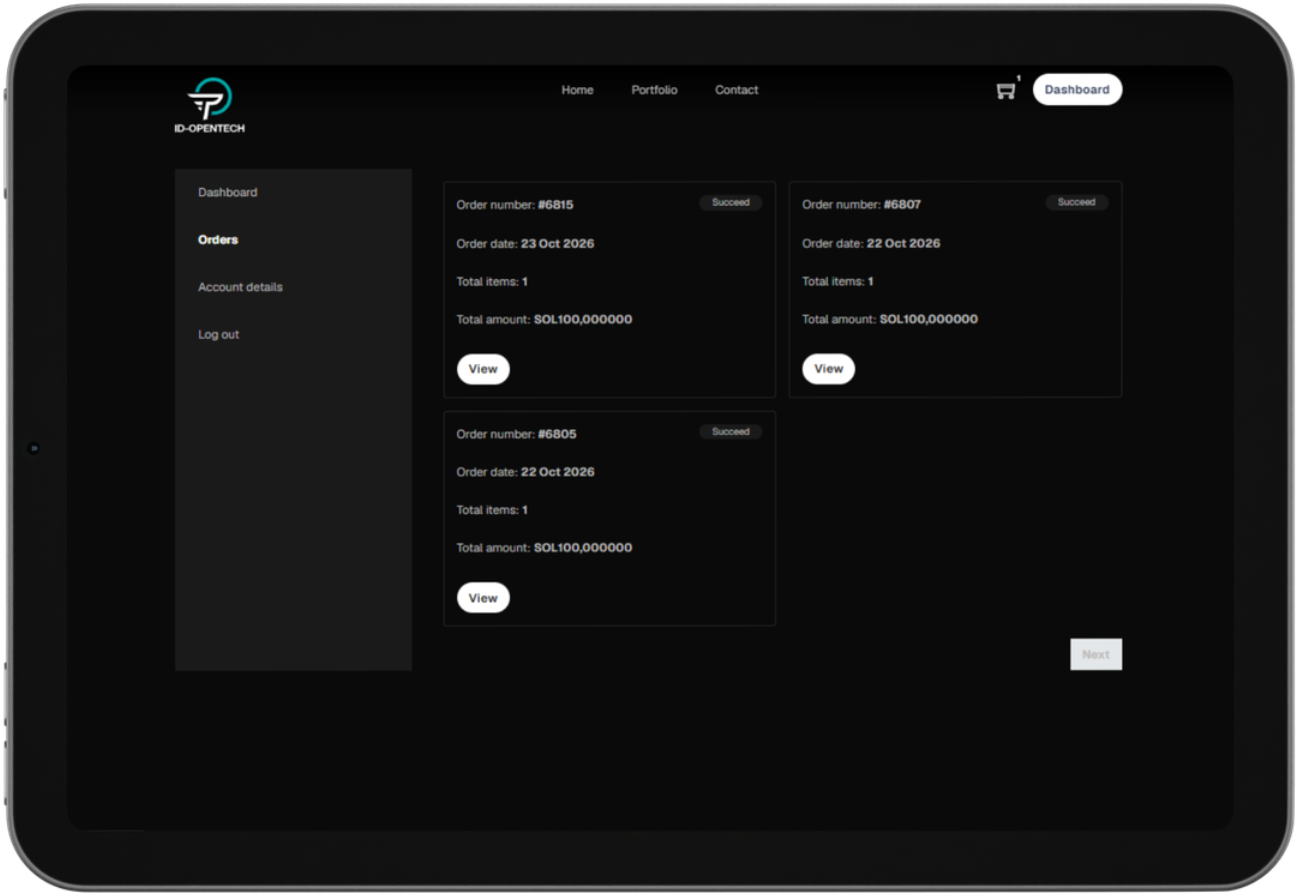
A Step-by-Step Guide to Getting Started
This guide will help you understand how to access the LaunchPad platform, navigate its interface, and use its available features.
Follow the instructions in each section to get familiar with the platform and complete the actions available to your account.
Accessing LaunchPad
To get started, open your web browser and visit:

Make sure you are accessing the official website before entering your account information.
Creating an Account
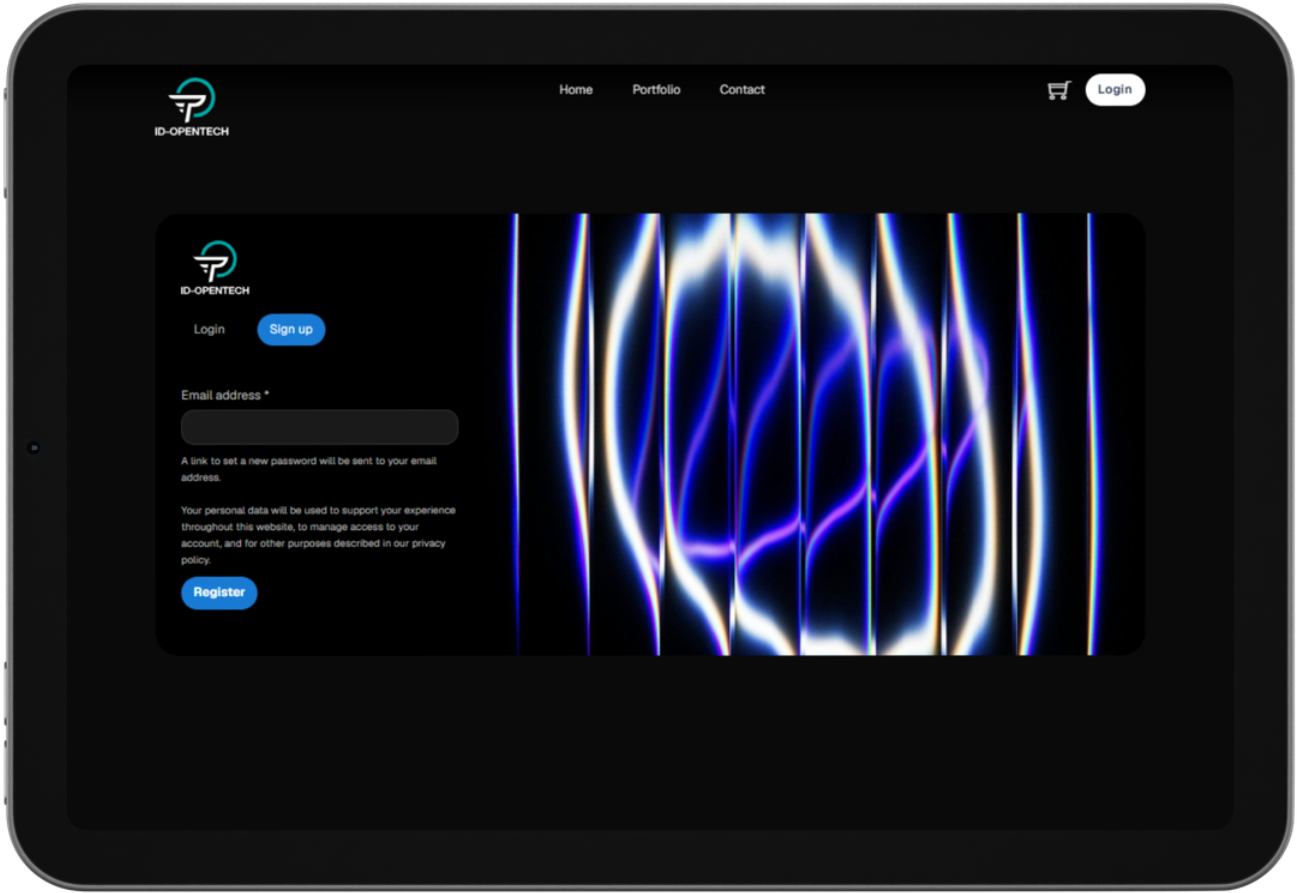
If you are a new user, select Register on the website to begin the registration process.
- Open the LaunchPad website.
- Click Login.
- Complete the required registration fields.
- Review your information to ensure it is accurate.
- Submit the registration form and follow any additional instructions displayed on the screen.
Logging In
If you already have an account:
- Open the LaunchPad website.
- Click Login.
- Enter your registered account credentials.
- Submit the login form to access the platform.

Explore Projects
Navigate to the Portfolio page to discover the available projects and review their respective offerings.

Select a project to access its details and available information.
Review Project Details
Before proceeding, review the information available on the selected project page, including:
- Token symbol and price
- Sale type and allocation
- Eligibility requirements
- Participation terms and conditions
Availability and participation requirements may vary by project.

How to Purchase Tokens
Choose your preferred project from the Portfolio page.
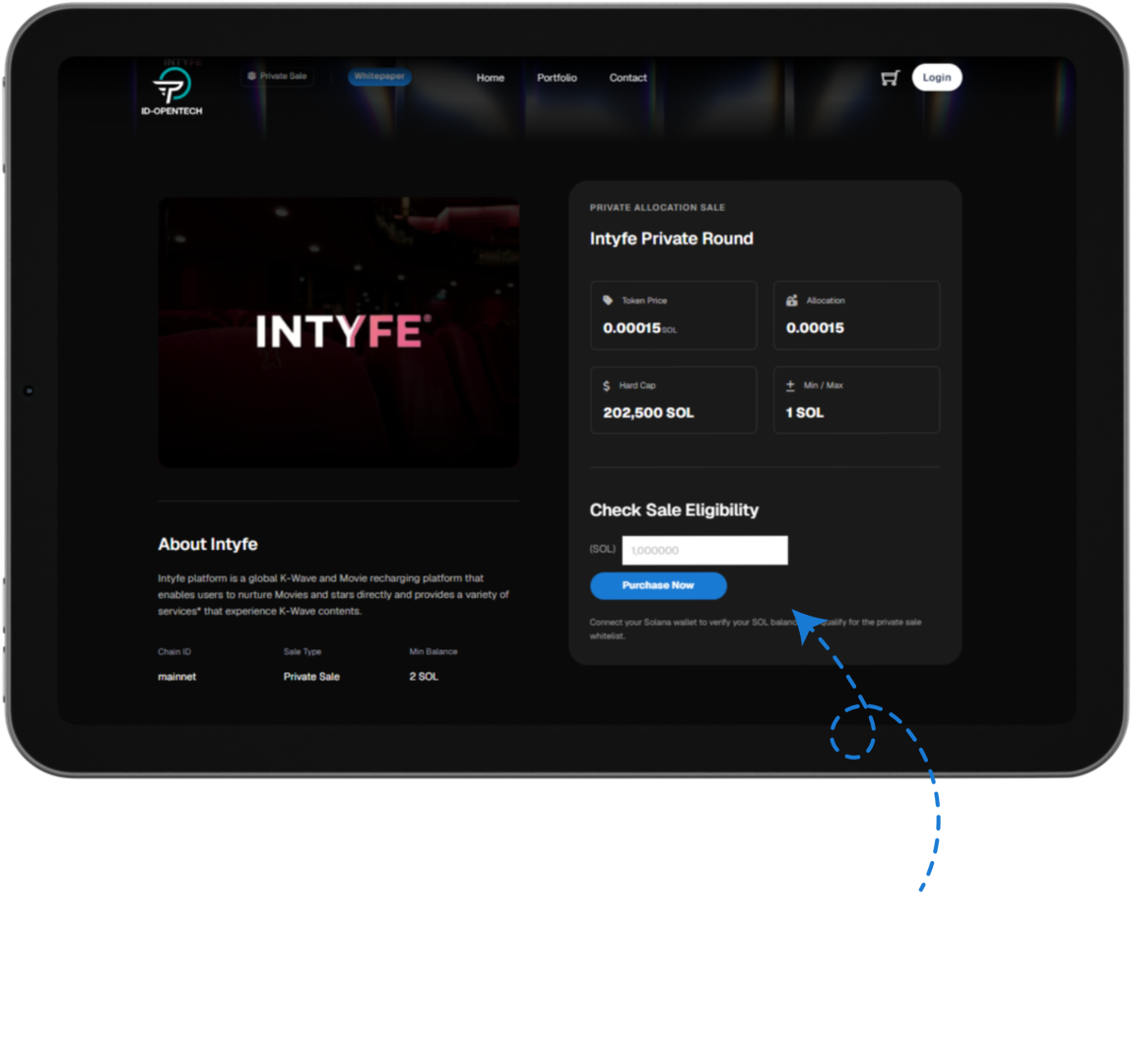
Enter your desired purchase amount in the Purchase field, then click Purchase Now to proceed to checkout.
Complete Checkout
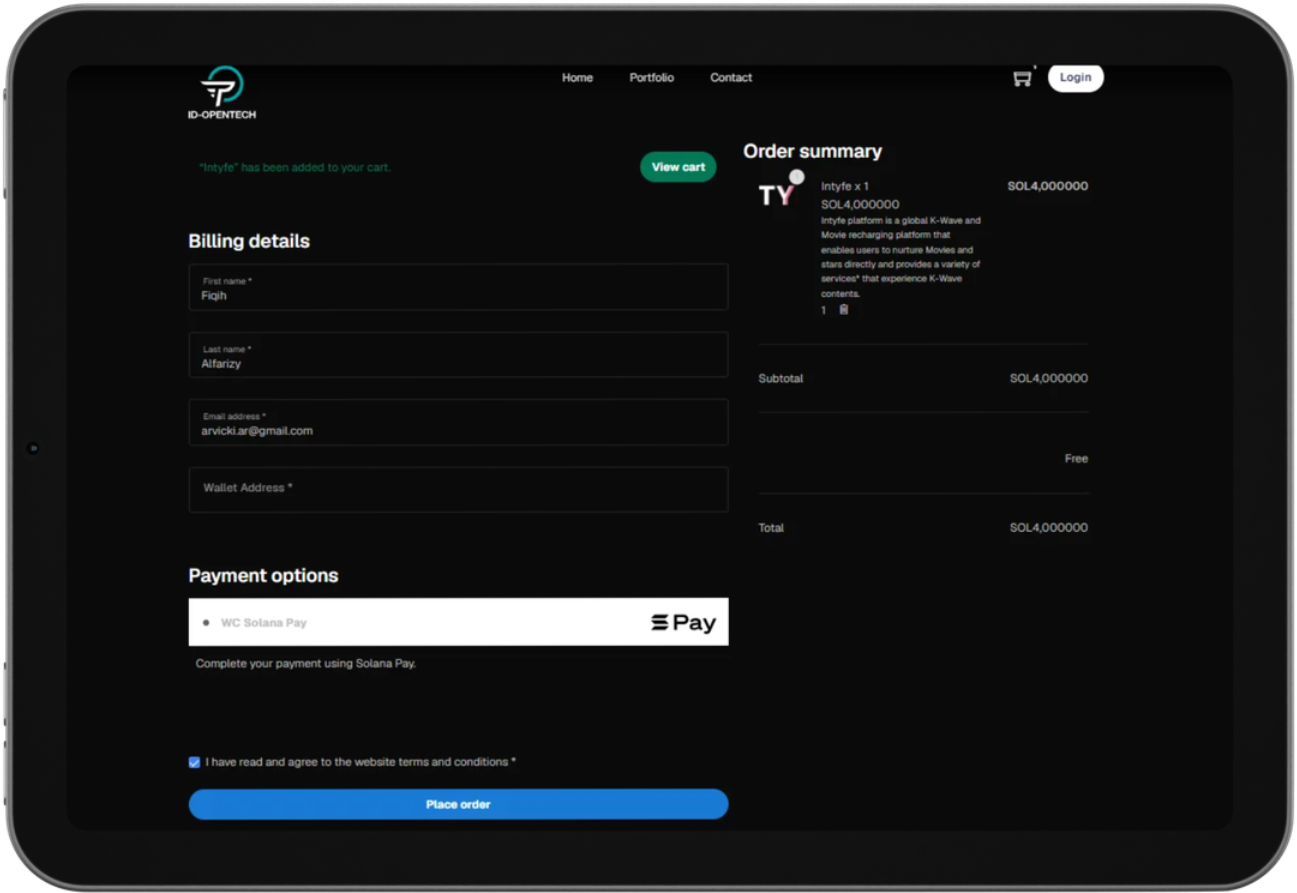
On the checkout page, enter your first name, last name, email address, and wallet address for token distribution.
Complete Payment
On the checkout page, enter your first name, last name, email address, and wallet address for token distribution.